

Table of Contents
A clip-on light for video conferencing helps your face stay evenly lit. You don’t need to move lamps or close curtains before every call. Clip it on, turn it on, and you’re ready. That reliability matters when you’re jumping between meetings all day. It’s the simplest way to look consistently well-lit on camera, without rearranging your space or learning lighting techniques.
In this blog, we cover the 4 best clip-on lights for video conferencing and share tips for choosing the right one.
Clip-On Lights for Video Conferencing: Quick Comparison
|
Model |
Dimensions |
Weight |
Power |
LED Qty |
Color Temperature |
CRI |
Battery Life |
|
N9 |
2.76"x1.57"x0.79" |
2.82oz |
3W |
44 |
2900K/4000K/6100K |
95 |
40min |
|
NL129D |
4.5"x2.6"x0.6" |
4.7oz |
4W |
108/21 |
2700K-8300K |
90+ |
150min |
|
BR60 |
5.7"x5"x1.1" |
4.6oz |
10W |
60 |
3000K-6000K |
97+ |
/ |
|
PL81 |
3.5" x 3" x 1" |
4.4oz |
5W |
90 |
10000K |
95+ |
4h |
Best Clip-On Lights for Video Conferencing in 2026
1. NEEWER N9 Clip-on LED Selfie Light
The NEEWER N9 is a clip-on light focused on essential features and design, offering a budget-friendly price point. If you're seeking an affordable clip-on light for video conferencing, it's an excellent choice for you. It features 44 high-quality LED bulbs encased in a white diffuser, providing soft, even lighting for your video conferences. With three color temperature modes (3000K/4000K/6000K), each supporting seamless dimming from 1% to 100%, you can precisely adjust brightness to suit any environment.

The NEEWER N9 Clip-on LED Selfie Light comes equipped with a cold shoe adapter and mounting clip, making it compatible with laptops, monitors, and other devices up to 1 inch thick. Weighing just 80g and measuring only 7x4x2 cm, it's incredibly portable, allowing you to deliver your best performance in video conferences anywhere.
Pros:
- Ultra Compact & Lightweight
- 3 Color Modes with Stepless Dimming
- Cold Shoe & Clip Mount Included
2. NEEWER NL129D Magnetic Phone Selfie Light

The NEEWER NL129D is a versatile video conferencing light supporting multiple mounting options. It can be clipped onto laptops, displays, and smartphones via its mounting bracket, attached directly to magnetic surfaces, or mounted on light stands and tabletop tripods using its 1/4-inch screw hole and cold shoe interface.

NEEWER NL129D Clip-On Light for Video Conferencing features a dual-sided lighting design with two light panels. The large panel incorporates 108 warm and cool white LED bulbs, while the small panel contains 21 warm and cool white LED bulbs, allowing you to choose between a wide or narrow beam angle as needed. Additionally, it offers stepless color temperature adjustment from 2700K to 8300K and a dimming range from 1% to 100%, enabling flexible and precise lighting control.
Pros:
- 2700K-8300K & Stepless Dimming
- With Dual-Sided Illumination
- Versatile Mounting Options
3. NEEWER BR60 Bi-Color Mini Ring Light

If you're looking to purchase a clip-on ring light for video conferencing, the NEEWER BR60 meets your needs. Equipped with 60 LED bulbs, it offers a color temperature range of 3000K-6000K and a high CRI of 97+, ensuring your skin appears softer and more radiant on camera. This enhancement boosts your confidence during video conferences.

When attached to the clip, the NEEWER BR60 Bi-Color Mini Ring Light offers 360° full-range rotation and 170° tilt, providing exceptional flexibility to meet diverse lighting angle requirements. Powered via USB ports on monitors, laptops, and other devices, it consistently delivers reliable illumination, making it an energy-efficient, eco-friendly, and practical lighting solution.
Pros:
- USB Powered Charging
- Versatile LED Fill Light with Clip
- Lightweight & Portable
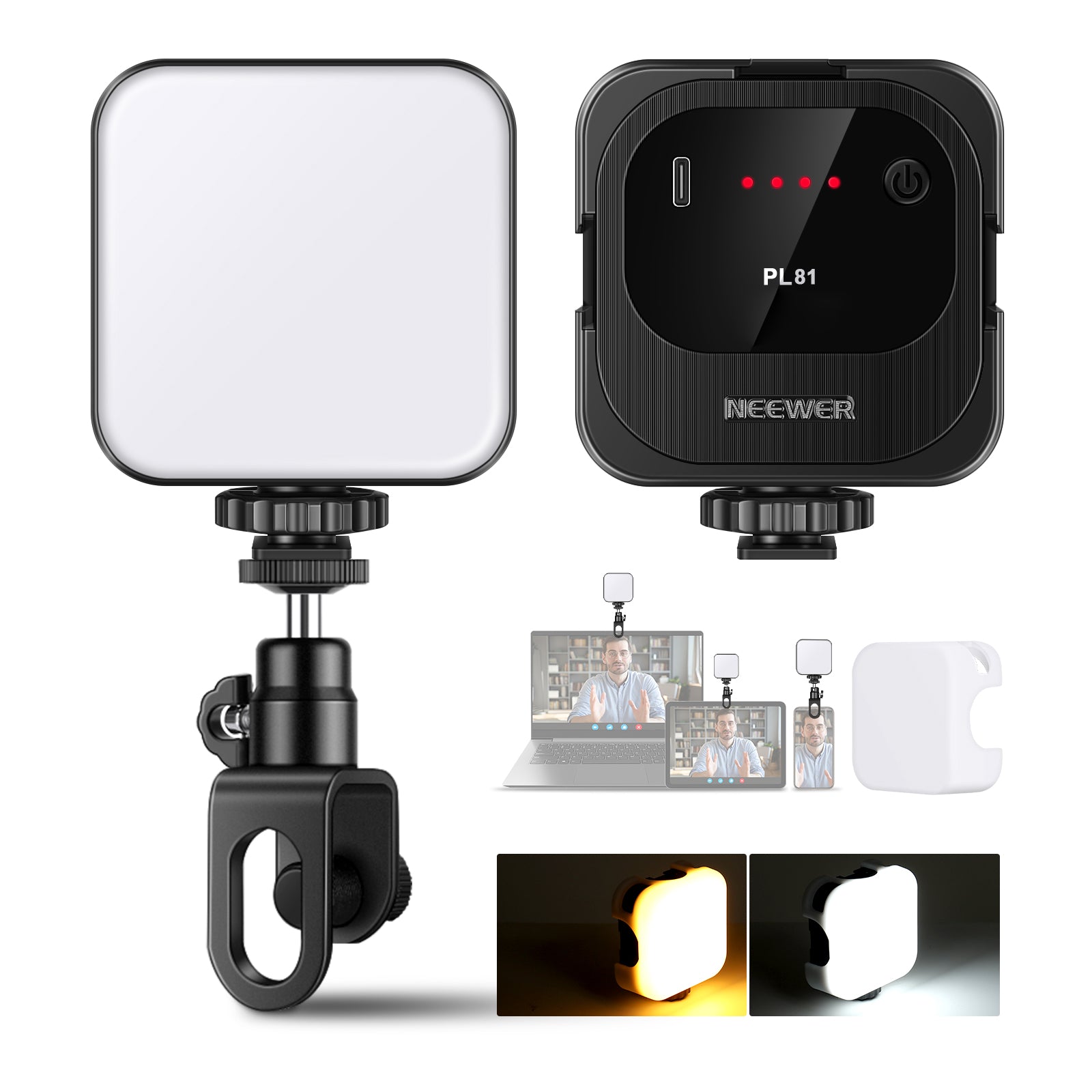
4. NEEWER PL81 Portable Clip-on LED Video Light

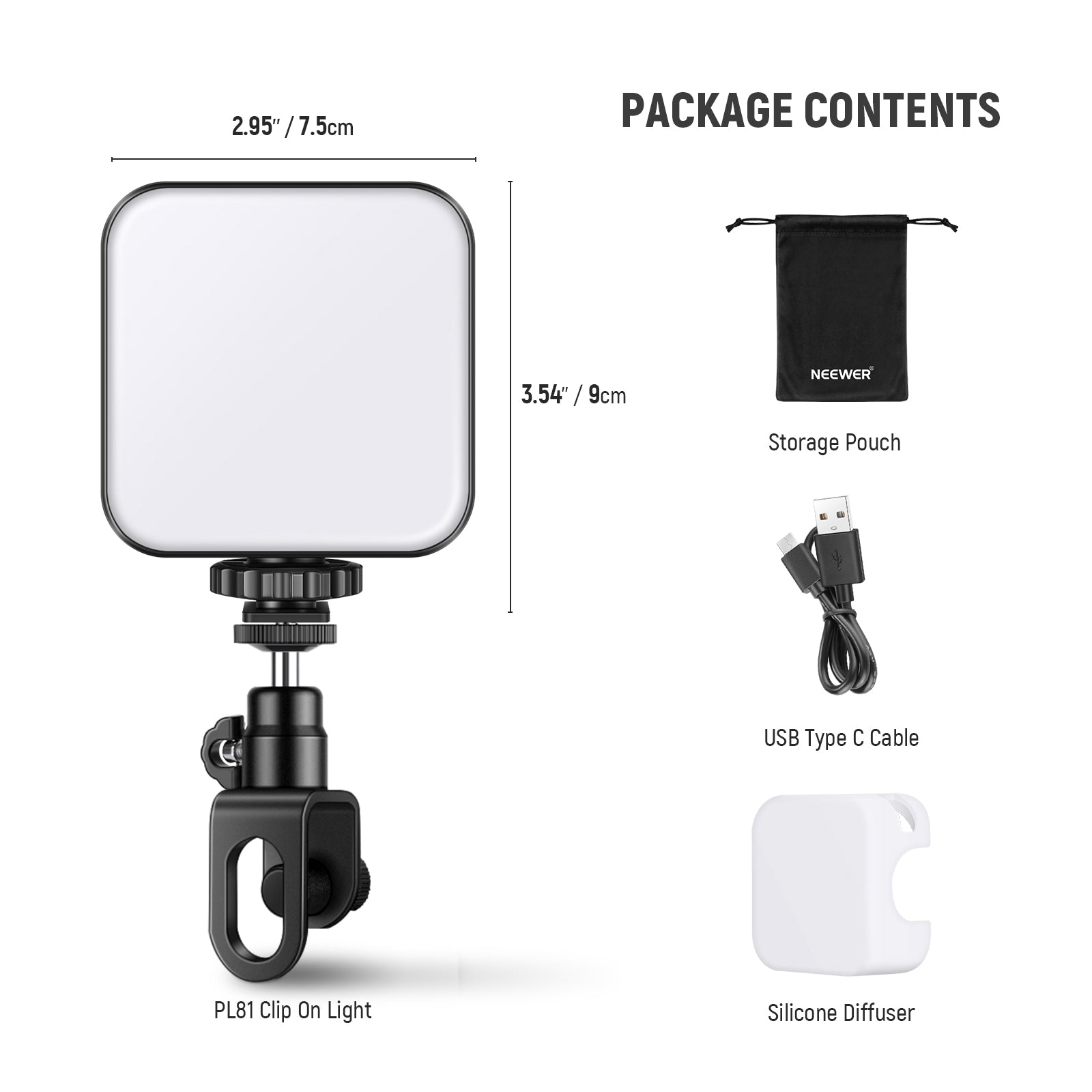
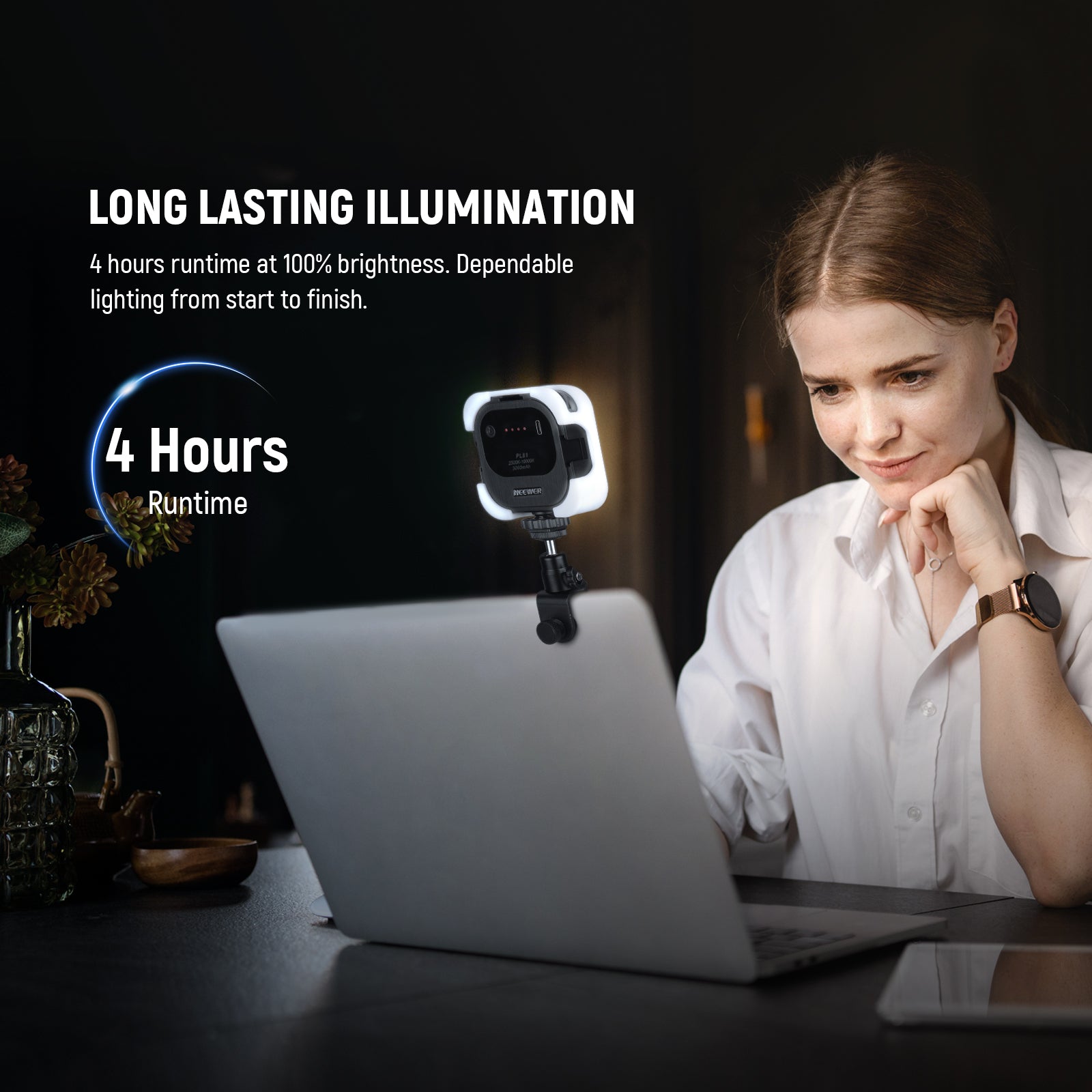
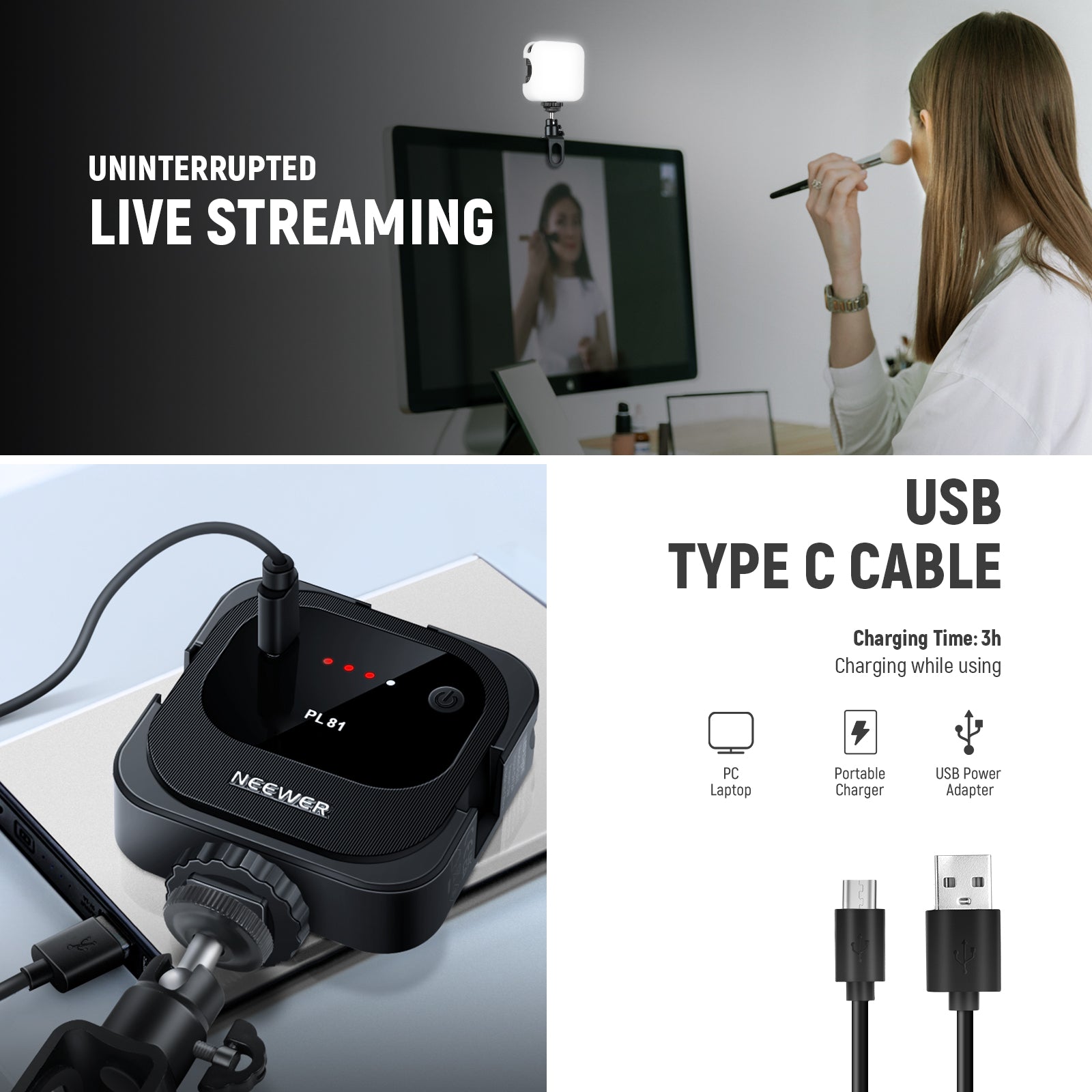
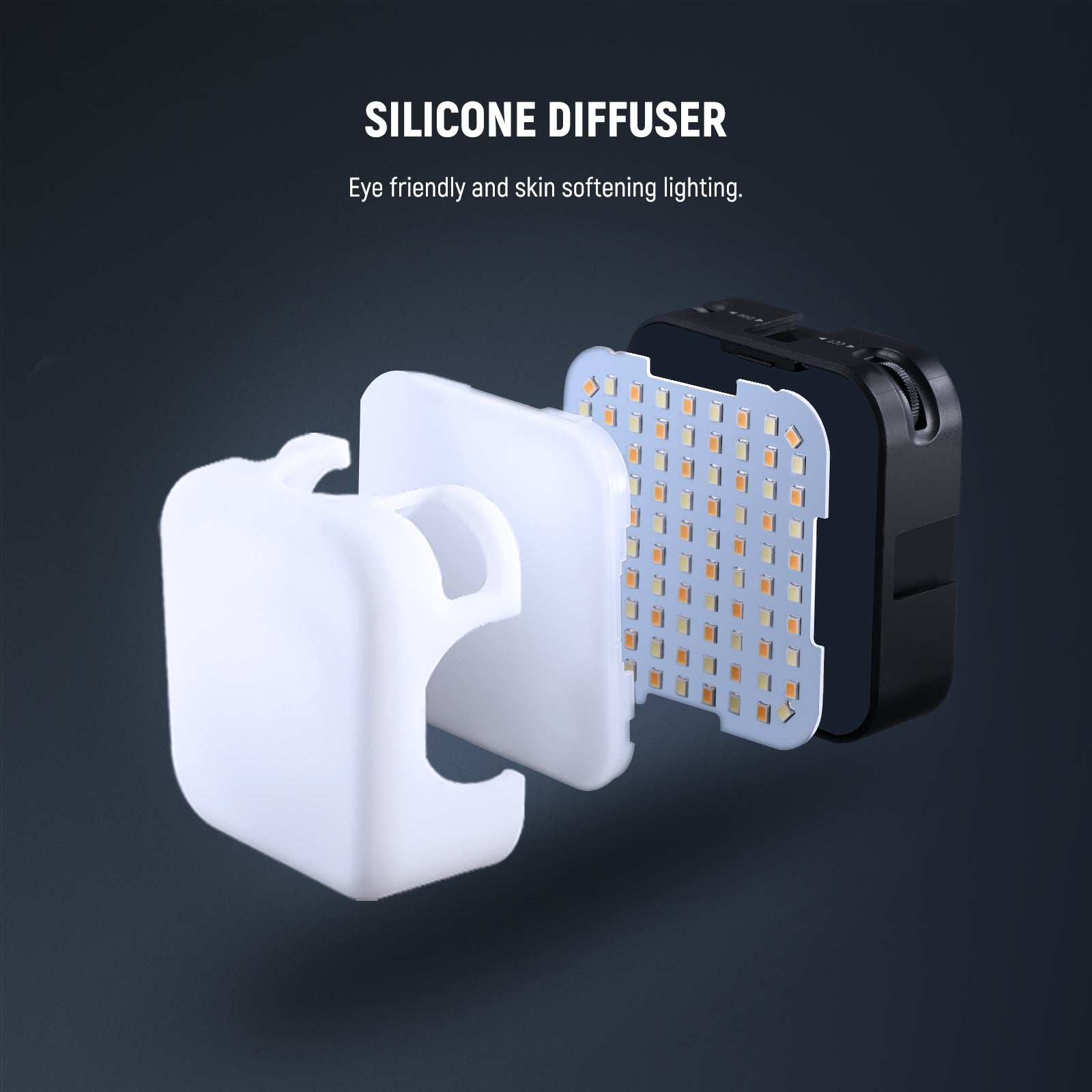
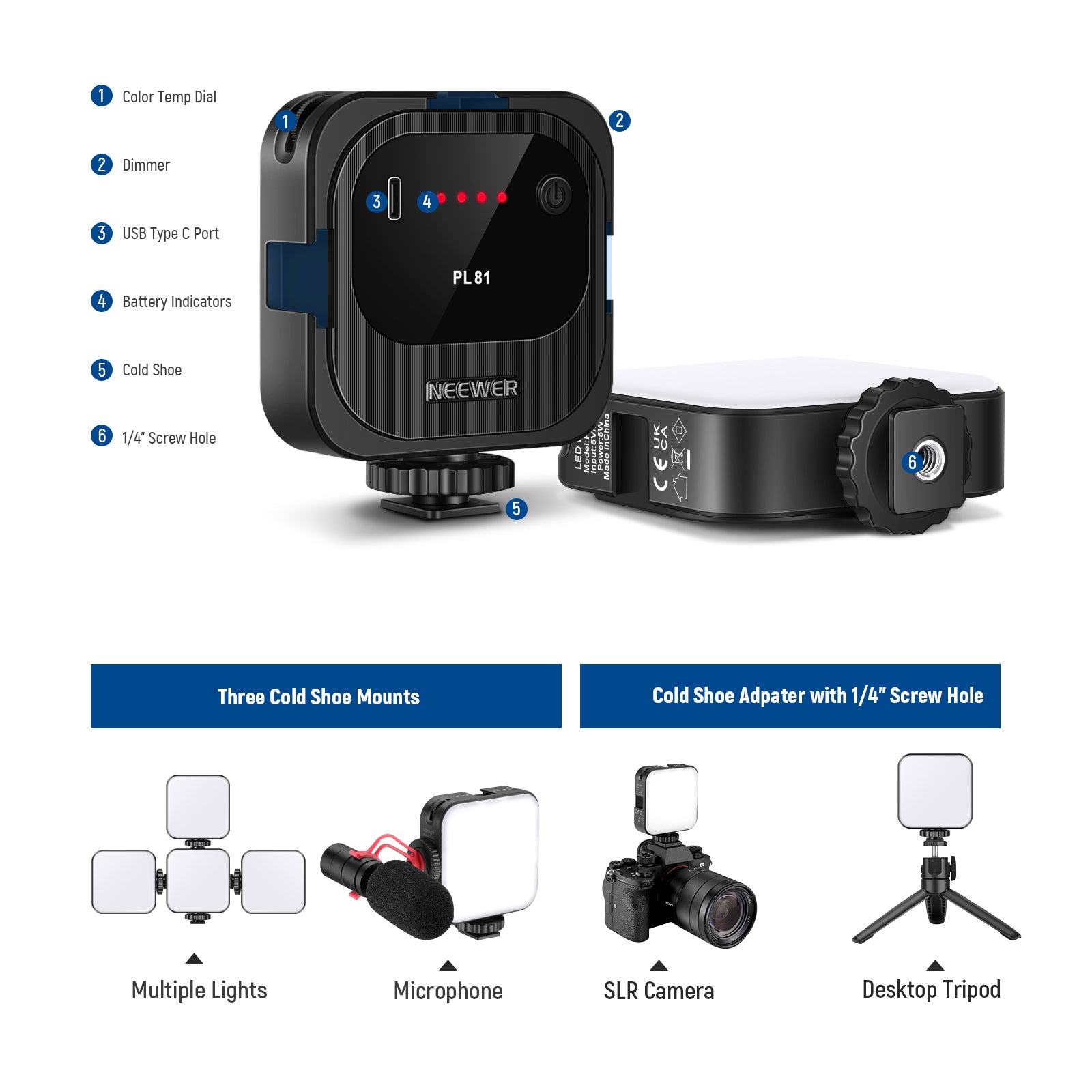
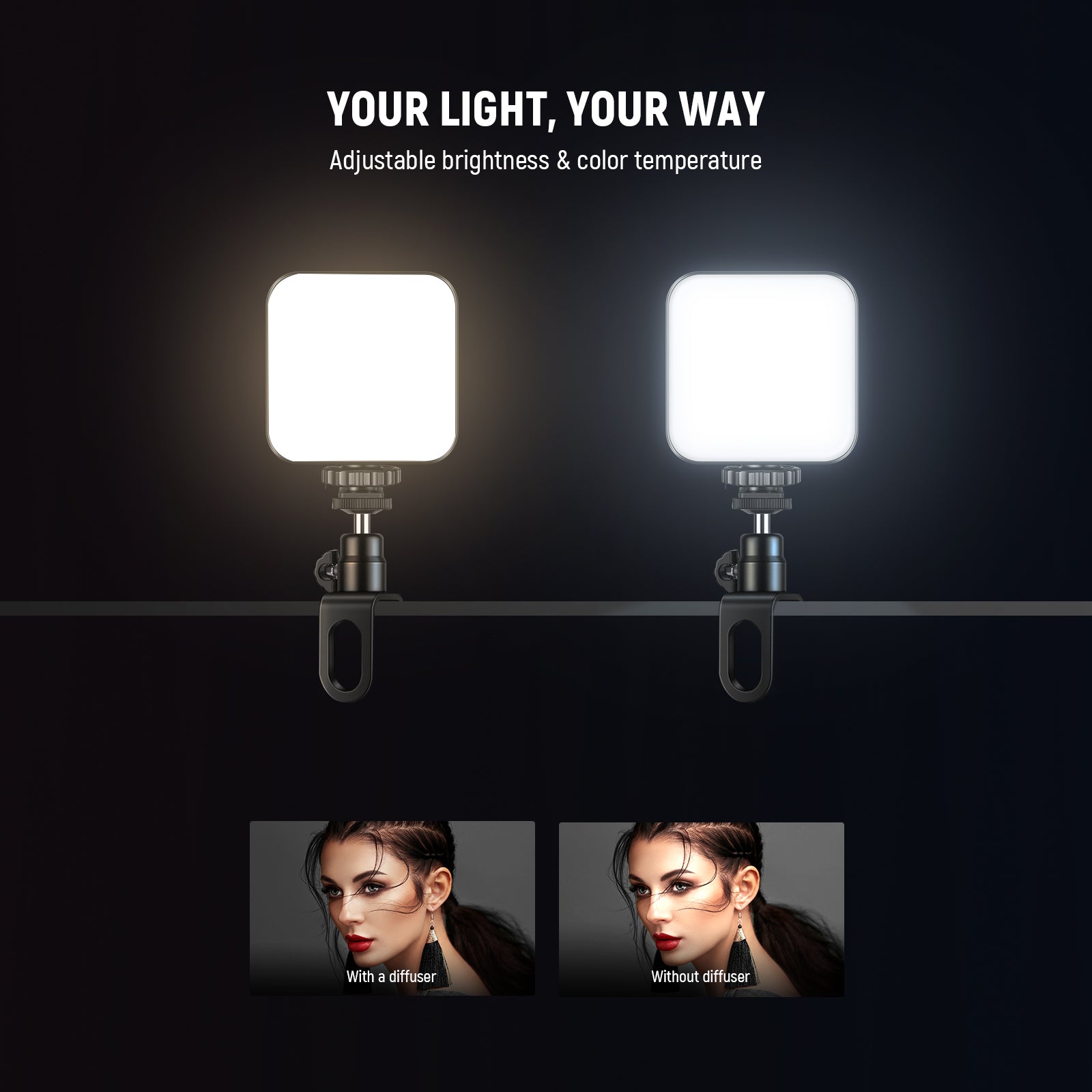
The NEEWER PL81 Portable Clip-on LED Video Light can also be charged via a USB Type-C cable. Designed specifically for extended video conferences and live streaming, it features a built-in long-lasting battery that provides up to 4 hours of continuous operation at 100% brightness. This clip-on light for video conferencing features 90 dual-color-temperature LED bulbs that emit both cool and warm light tones. It also includes a silicone diffuser to provide soft, eye-friendly illumination.

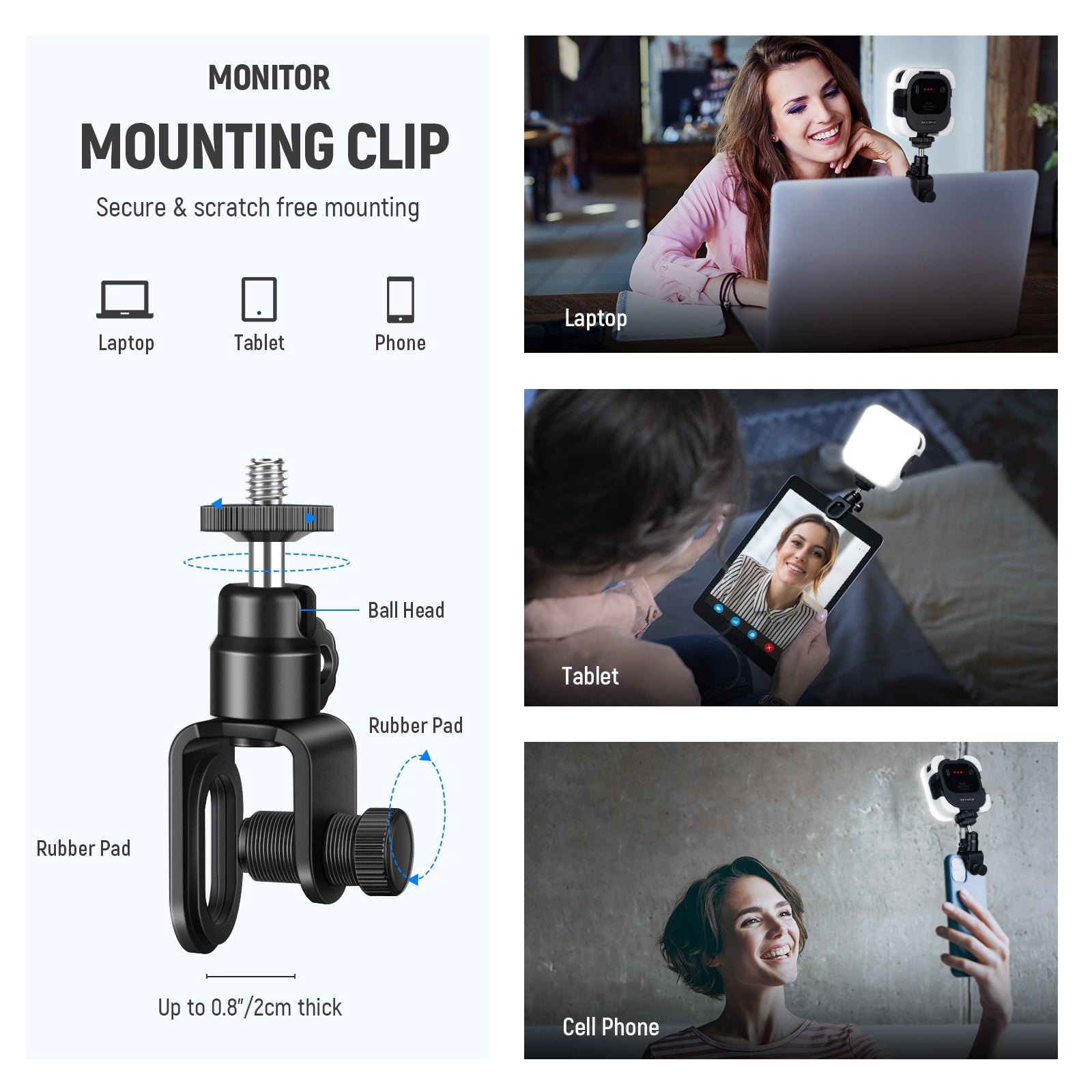
The clip on the NEEWER PL81 Portable LED Video Light features rubber pads and adjustable tension, so you don't have to worry about it damaging your screen. It also incorporates a cutout bracket design that protects your front camera lens when clipped onto your phone. Additionally, it features a ball head mount, enabling 360° rotation for easy adjustment to your ideal angle.
Pros:
- Extended Battery Life
- Soft & Bi Color Lighting
- Hollowed Out Bracket Design & Monitor Ball Head
How to Choose the Right Clip-On Light for Video Conferencing
1. Prioritize Even, Face-Friendly Light Distribution
When choosing a clip-on light, the first thing to evaluate is how evenly it illuminates your face. Many compact lights act like point sources, creating bright hot spots on the nose or forehead while leaving the cheeks and jaw in shadow. A well-designed clip-on light—especially a horizontal light bar or a wide rectangular panel—spreads light across the entire face more naturally. Built-in diffusion is critical here; a frosted front panel softens the output and reduces harsh highlights. The key advantage of even light distribution is that it improves how you look on camera without requiring you to constantly adjust the light’s position before every call.
Tips: Choose adjustable color temperature to match your environment. This flexibility lets you match the light to your environment so your face looks consistent whether you’re on a morning call with daylight coming in or an evening meeting under warm indoor lighting
2. Make Sure the Clip Is Stable and Screen-Friendly
Because clip-on lights attach directly to laptops or monitors, stability is a practical concern that’s often overlooked. A poorly designed clip can shift during use or fail to grip thin screens securely, leading to constant readjustment. A reliable clip-on light features a padded clamp that evenly distributes weight and protects your screen from pressure and scratches. This is especially important for laptop users, where screen thickness and hinge movement can cause lighter clips to wobble. A stable clip ensures the light stays exactly where you set it, even during long meetings.
3. Look for Smooth, Precise Brightness Control
Brightness control is not about having the most powerful light—it’s about having usable control. Lights that are too strong often force users to place them farther away or angle them awkwardly, which defeats the purpose of a clip-on design. A good clip-on light allows gradual brightness adjustment so you can fine-tune the output to your face, camera distance, and room conditions. Ideally, you should be able to sit comfortably at your desk, turn the light to a moderate level, and immediately look clear and well-lit without glare, shine, or eye strain.
4. Match the Light Shape to How Much Setup You Want to Do
The shape of a clip-on light directly affects how forgiving it is in daily use. Light bars are especially popular among professionals because they sit above the screen and naturally angle light downward across the face, reducing shadows without precise positioning. Square panels offer good coverage but may require more careful placement, while ring lights can work well but are more sensitive to height and angle. If you want a solution that looks good every time you turn it on, with minimal adjustment, a clip-on light bar is often the most efficient choice.
5. USB Power Is the Most Reliable Option for Daily Use
For video conferencing, consistency matters more than portability. USB-powered clip-on lights offer steady brightness and color output without the unpredictability of batteries. Unlike battery-powered models that can dim over time or require frequent recharging, USB lights deliver the same performance every time you plug them in. This makes them ideal for daily professional use, whether connected to a laptop, monitor, or powered USB hub. In real-world use, USB power eliminates interruptions and removes one more thing you have to remember before joining a call.