

Table of Contents
The right light for video conferencing comes down to creating soft, natural light that makes your face look clear and comfortable on camera, no matter the time of day or the room you’re in. If you're a remote worker, investing in quality lighting is even more essential to boost productivity and protect your eyes. In this blog, we cover the 4 best lights for video conferencing and share tips for choosing the right one.
Lights for Video Conferencing at a Glance
|
Model |
LEDs Qty |
Color Temperature |
CRI |
|
BR60 |
60 |
3000K-6000K |
97+ |
|
VL67C |
94 |
2500K-8500K |
97 |
|
PL81 Pro |
90 |
2900K-7000K |
95+ |
|
L10 |
40 |
3000K/3500K/4400K/5600K/6500K |
95 |
Best Lights for Video Conferencing in 2026
1. NEEWER BR60 5" Bi-Color Mini Ring Light

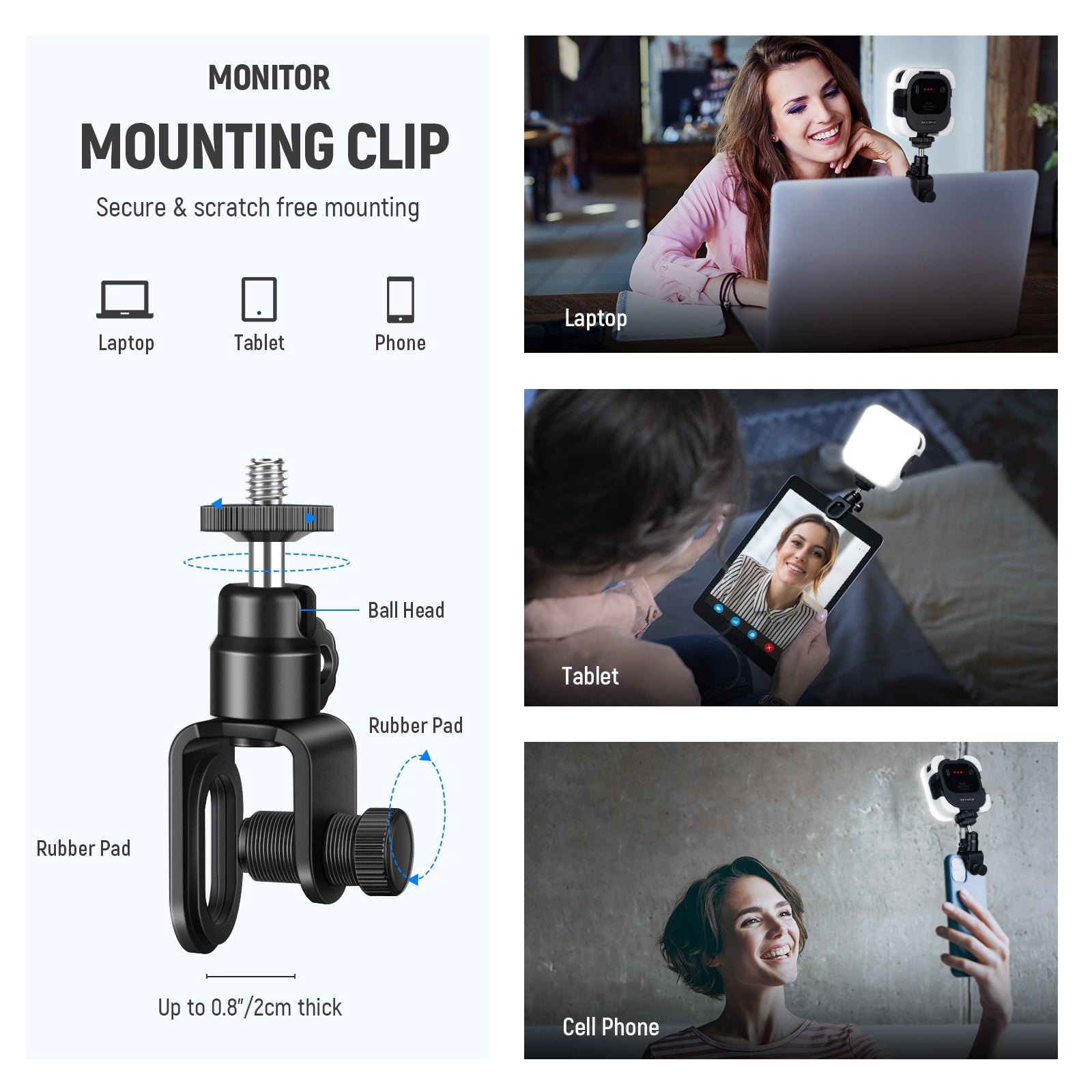
The NEEWER BR60 is a clip-on LED ring light featuring 60 LED bulbs, offering a color temperature range of 3000K-6000K with a CRI rating of up to 97+. You can attach it to devices such as laptops, screens, and smartphones with a thickness of less than 1 inch, providing soft, even lighting for video conferences.

The NEEWER BR60 LED Ring Light offers exceptional flexibility. When mounted on its clip, it enables 360° full-range rotation and 170° tilt adjustment to meet diverse lighting angle requirements, ensuring you look your best during video conferences. Powered via USB ports from laptops, power banks, or phone chargers, it delivers energy-efficient and convenient operation.
Pros:
- Multiple Lighting Options
- Adjustable & Flexible
- Versatile LED Fill Light with Clip
2. NEEWER VL67C RGB Pocket Light

The NEEWER VL67C is also a video conferencing light with a CRI rating of 97+, delivering precise color reproduction without flickering or glare. It features 94 high-power LED bulbs, offering 36,000 color options and supporting multiple modes, including CCT, HSI, and FX modes.
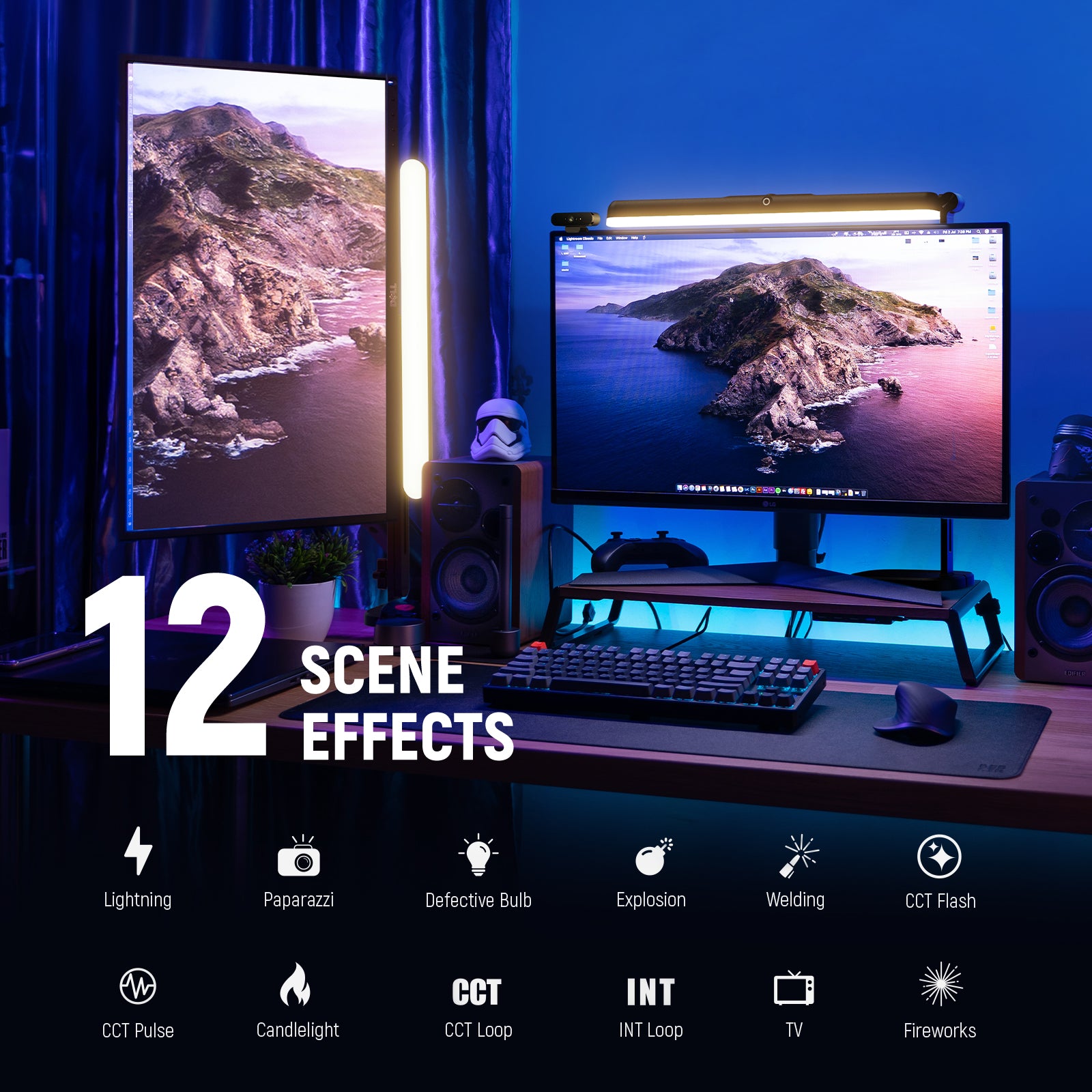
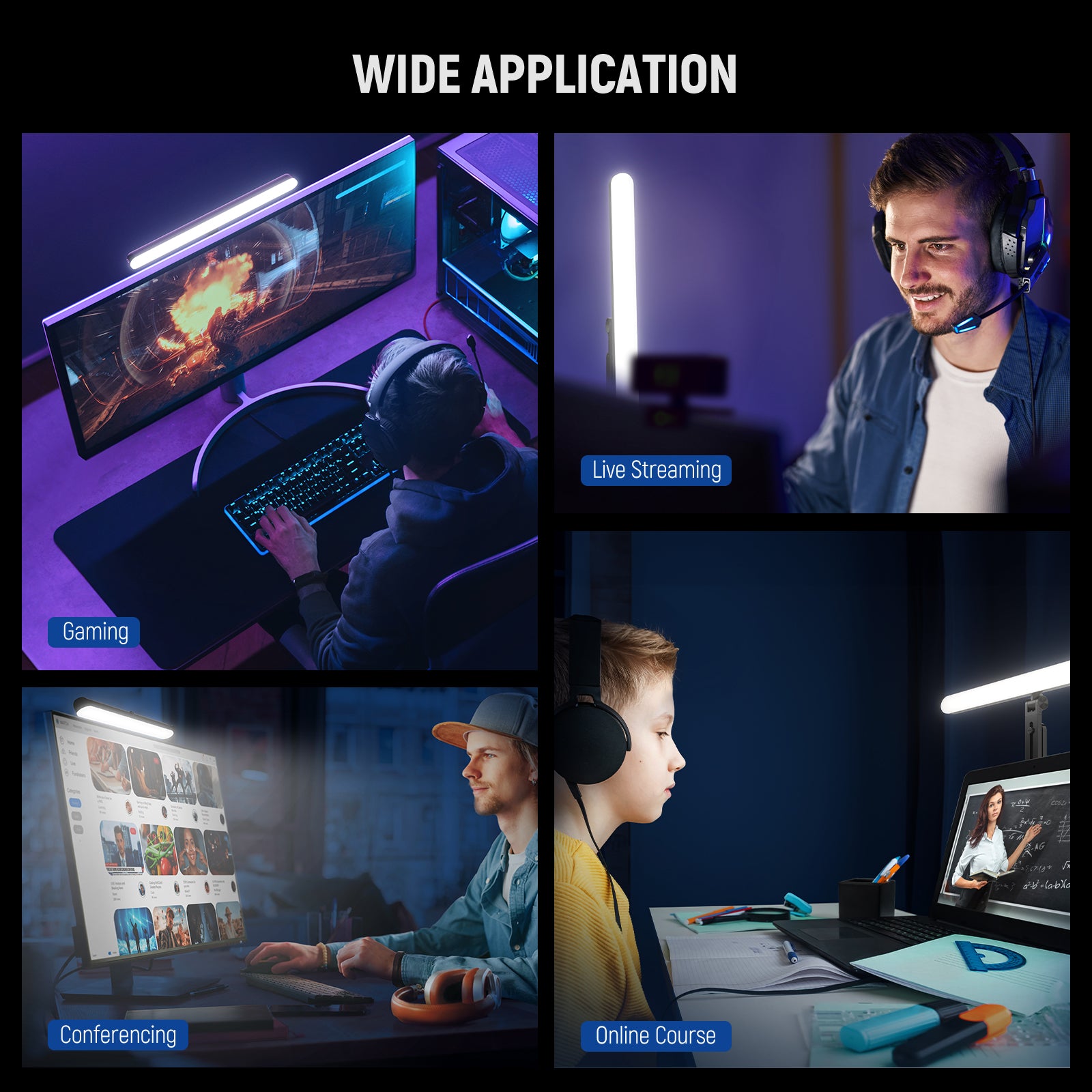
In CCT mode, the NEEWER VL67C RGB Pocket Light's color temperature can be adjusted between 2500K and 8500K. HSI mode allows fine-tuning of 360° hue, 0–100% brightness, and 0–100% saturation. Additionally, it features 17 special effects scenes. Therefore, beyond video conferencing, it can be used for TikTok/YouTube video recording, live streaming, and more. If you're looking for a versatile lighting solution, it can meet your needs.
Pros:
- Powerful & Versatile Full RGB Color
- Personalized Lighting with CCT/HSI/FX Modes
- Portable & Smart App Control
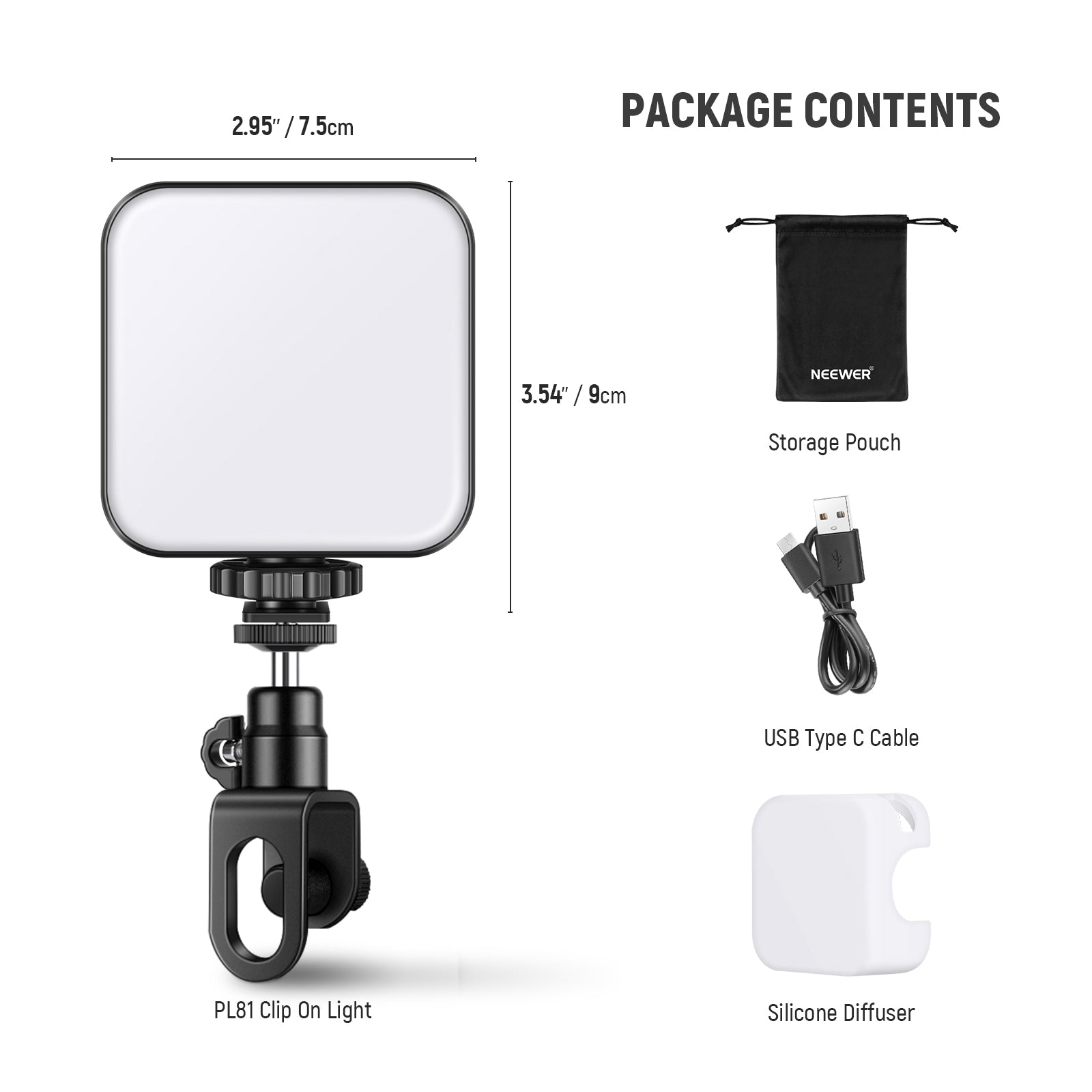
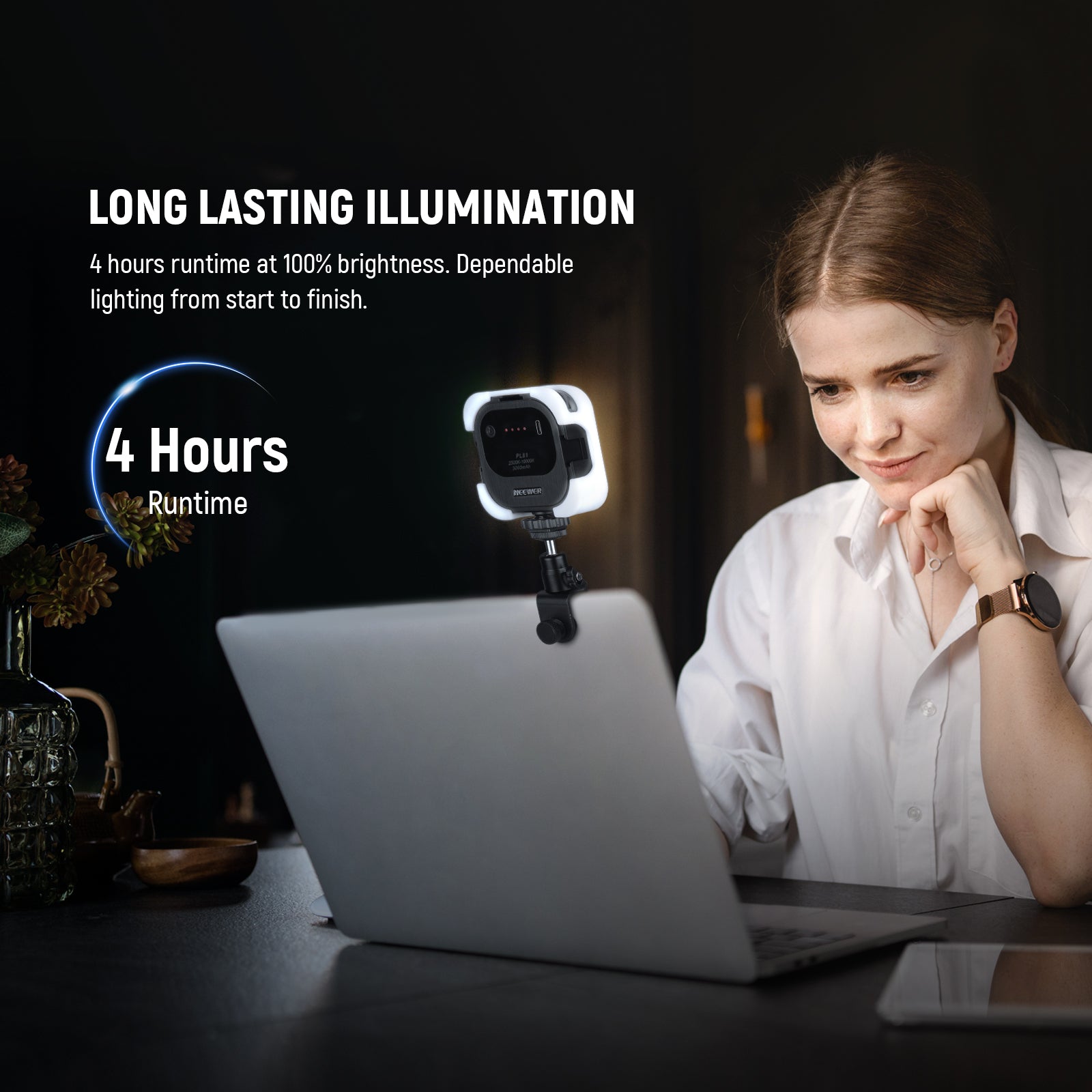
3. NEEWER PL81 PRO LED Streaming Light

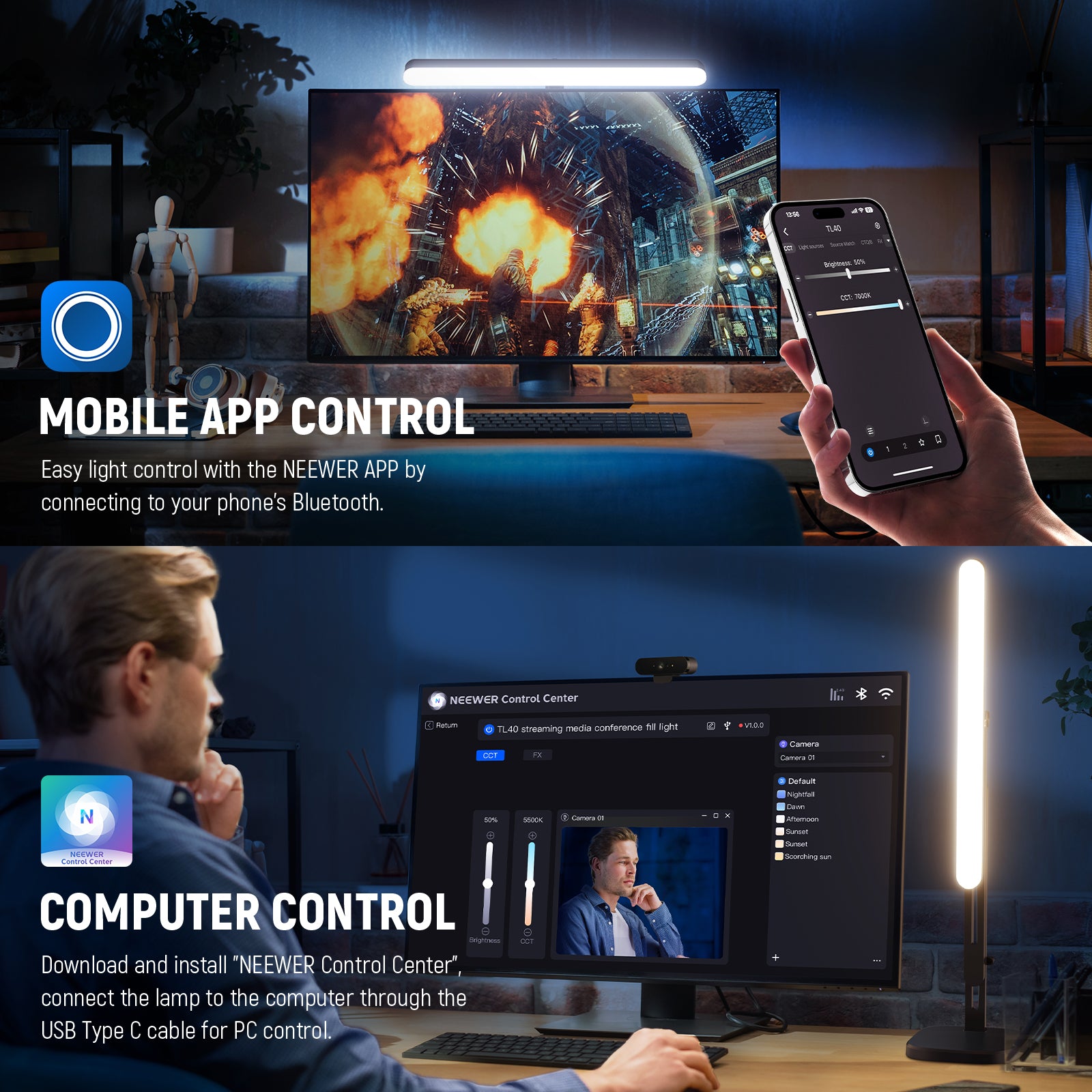
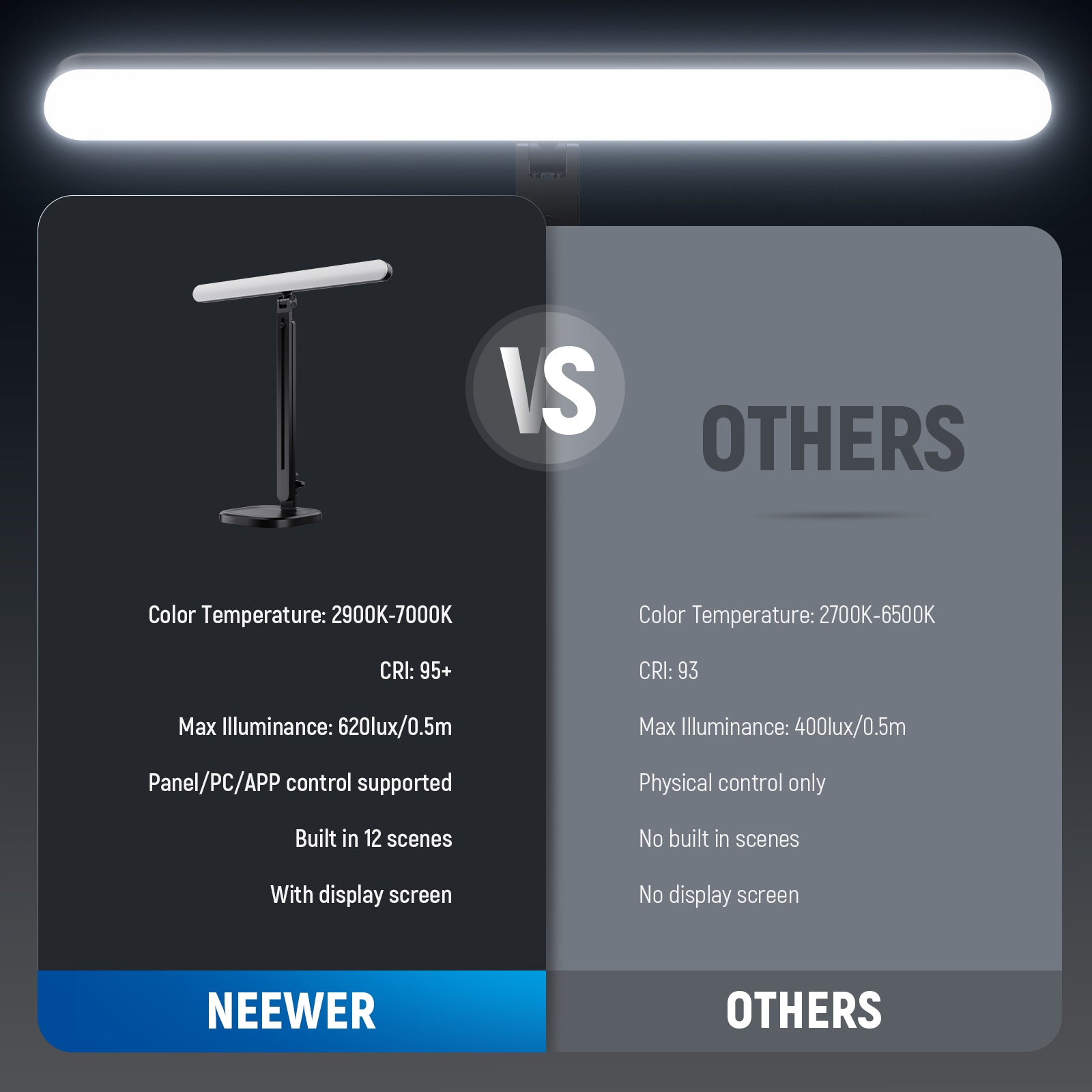
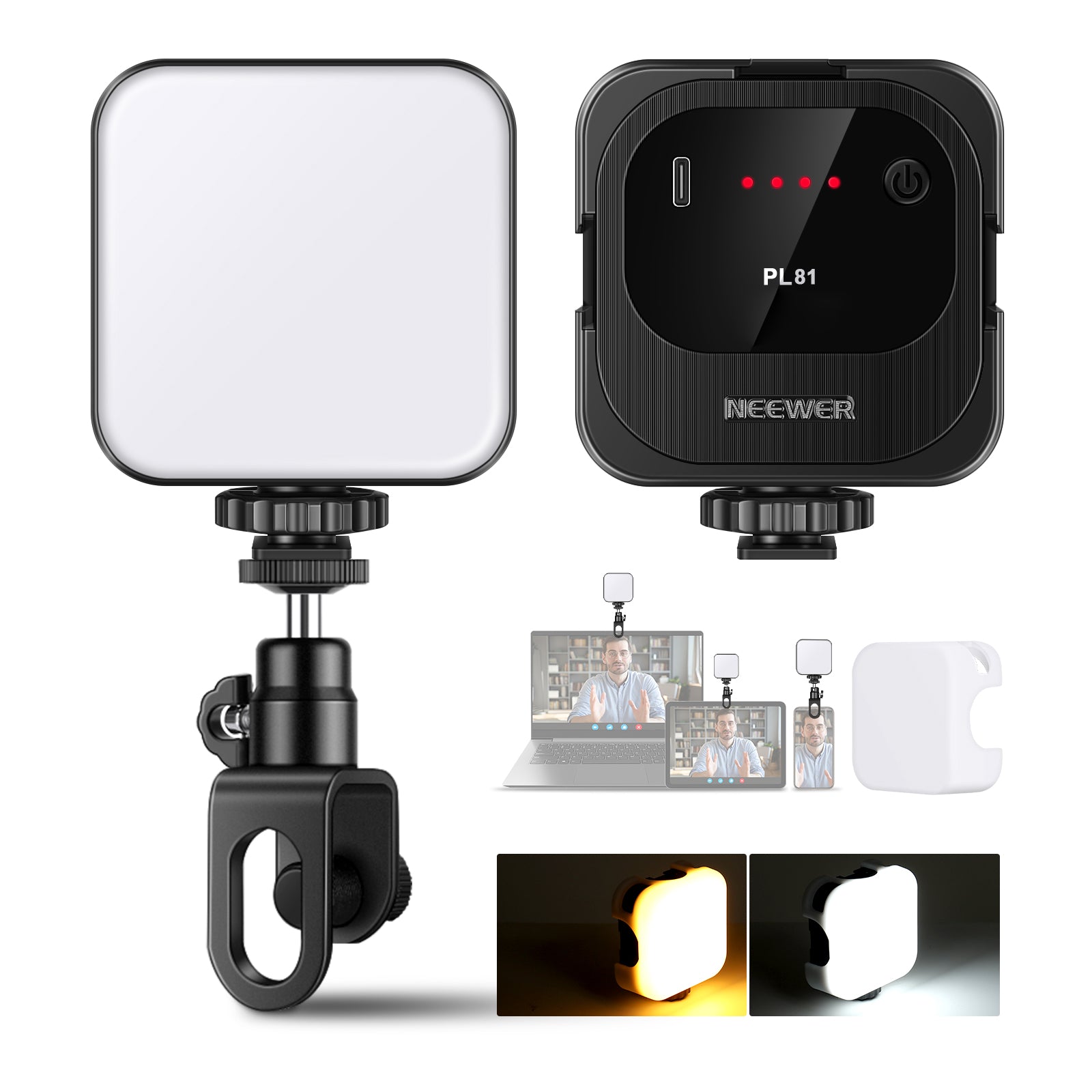
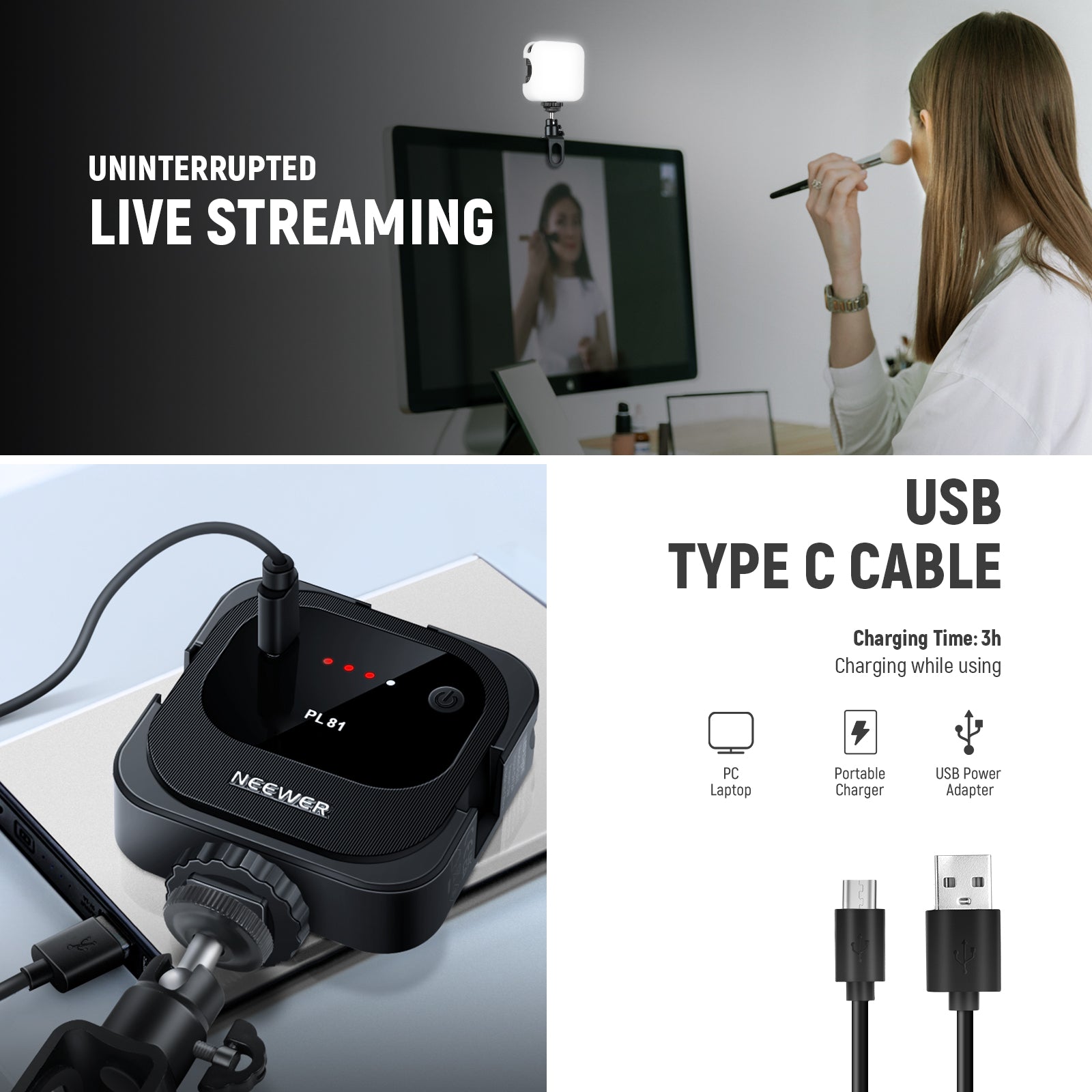
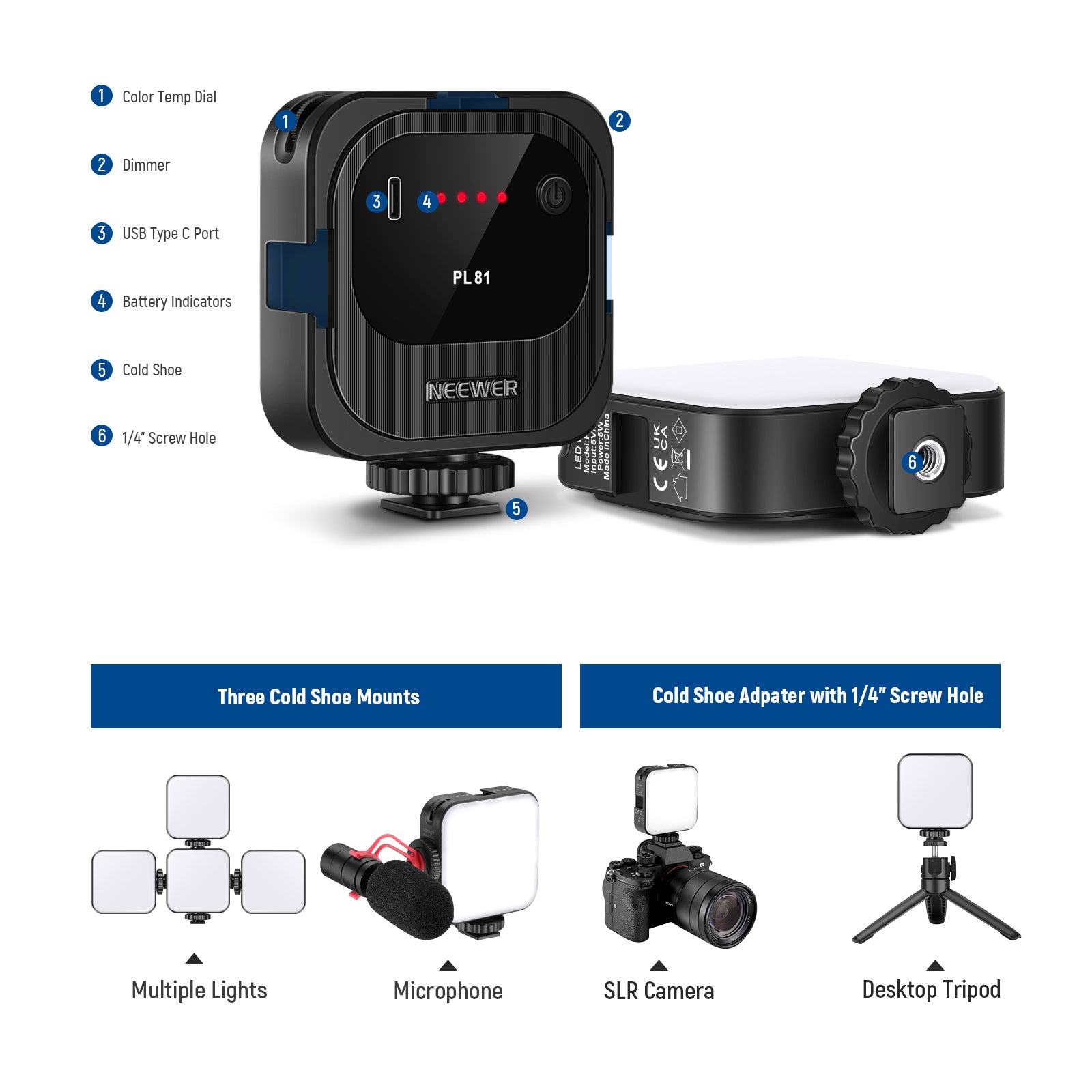
The NEEWER PL81 PRO is a lighting solution specifically designed for remote workers, delivering superior brightness with a maximum illuminance of up to 480 lux at 0.5 meters. It supports control via Mac and PC applications, allowing you to adjust color temperature, brightness, and more directly from your computer. Whether you're working or participating in video conferences, it helps you stay focused on your monitor at all times.

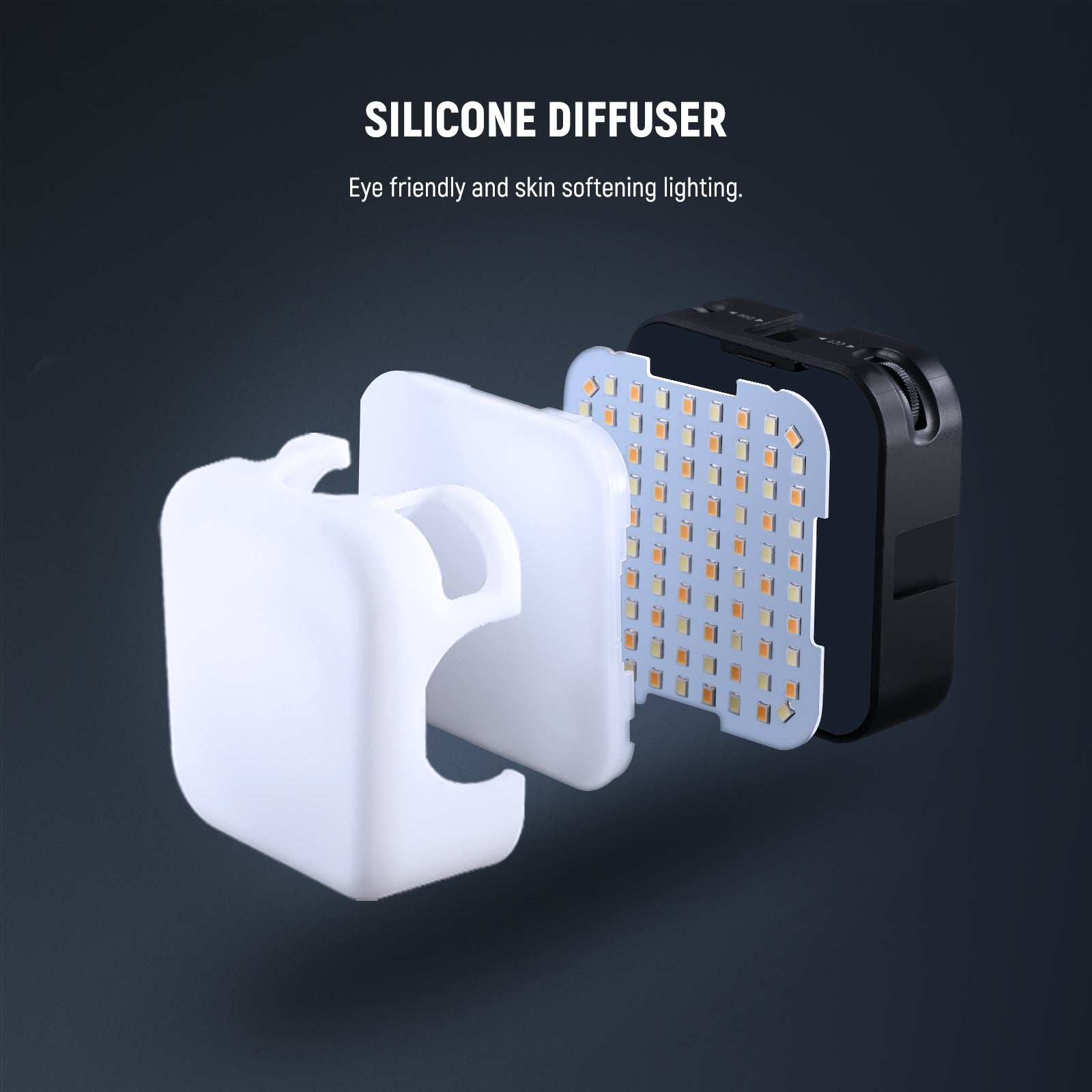
The NEEWER PL81 PRO LED Streaming Light features a wide color temperature range from 2900K to 7000K, delivering dual-color temperature lighting from cool blue tones to warm candlelight. To ensure even illumination, the kit includes a removable silicone softbox that eliminates harsh shadows, giving your face a flawless glow during video conferences. Moreover, this video conferencing light operates with exceptional safety and reliability, ensuring dependable performance throughout the day.
Pros:
- Smart PC/Mac App Control
- Wide, Soft Glow Tones
- All Day Long Safe Lighting
4. NEEWER L10 Dual Monitor Light Bar with Stands

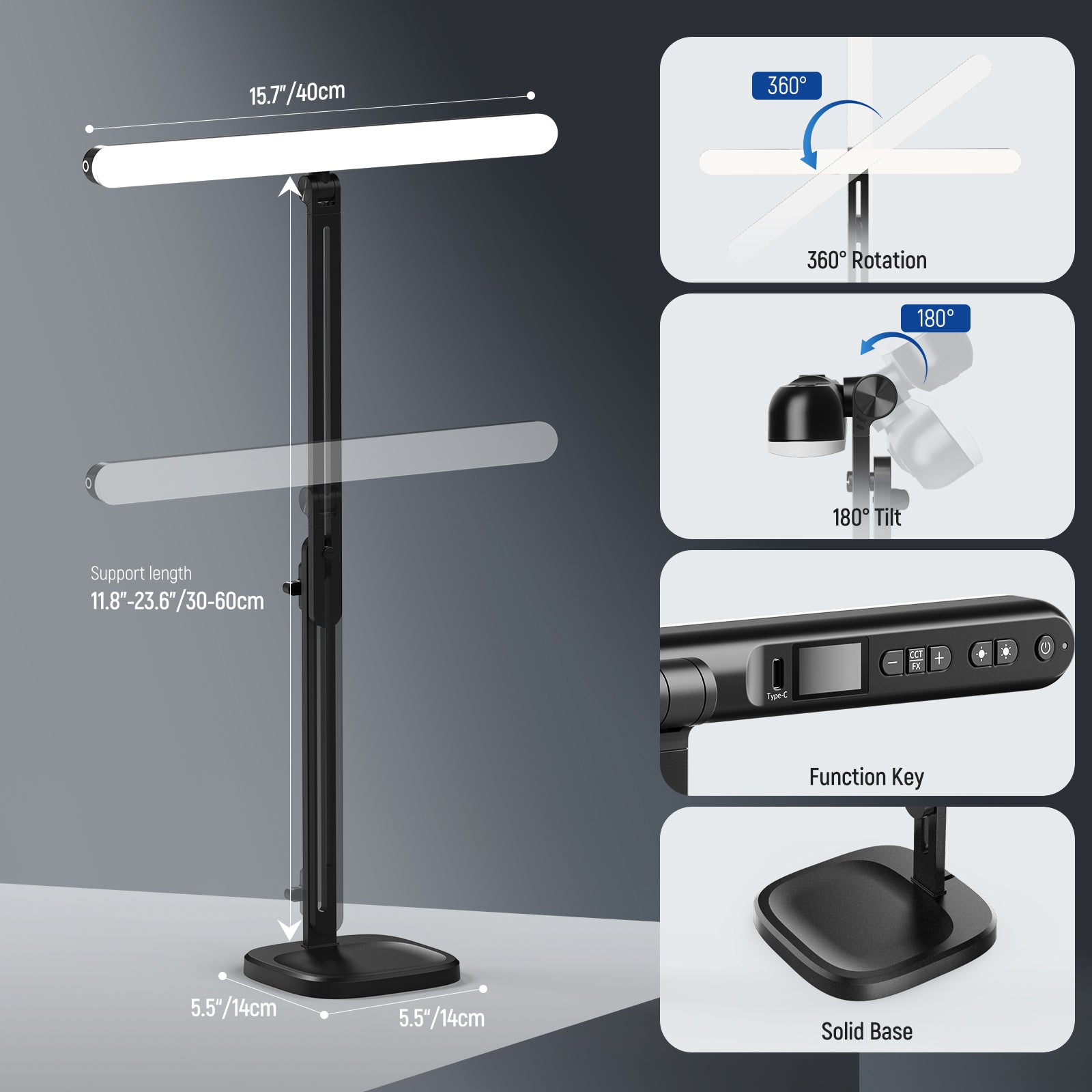
If you don't want to spend time adjusting the placement of your fill light, the NEEWER L10 Dual Monitor Light Bar can help. Simply mount it above your computer to effectively improve lighting conditions, making your face look more radiant during video conferences and projecting a professional appearance.

The NEEWER L10 Dual Monitor Light Bar features 40 built-in LED bulbs, offering 5 color temperature settings and 10 brightness levels to adapt to various lighting environments. Utilize the memory function to retain your preferred color temperature and brightness settings, eliminating the need for reconfiguration and enabling quick immersion into work or video conferences. Additionally, the LED bulbs are positioned behind a soft-diffusing panel, ensuring the emitted light remains sufficiently gentle to prevent eye strain.
Pros:
- Silent Touch Control & Wireless Control
- Eye Caring Soft Lighting
- 5 Levels of Color Temperature & 10 Brightness Levels
How to Choose the Right Light for Video Conferencing?
1. Focus on soft, even light first
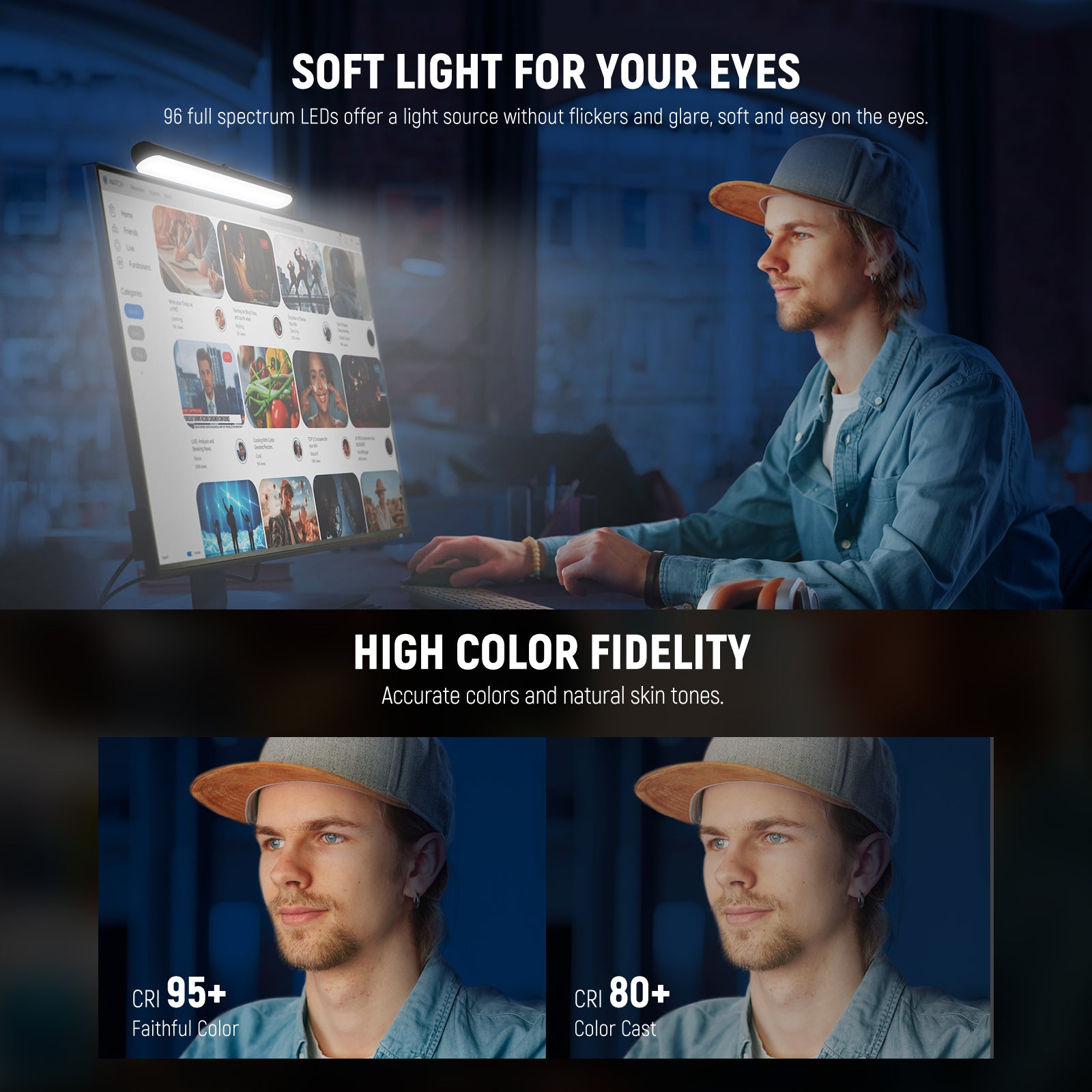
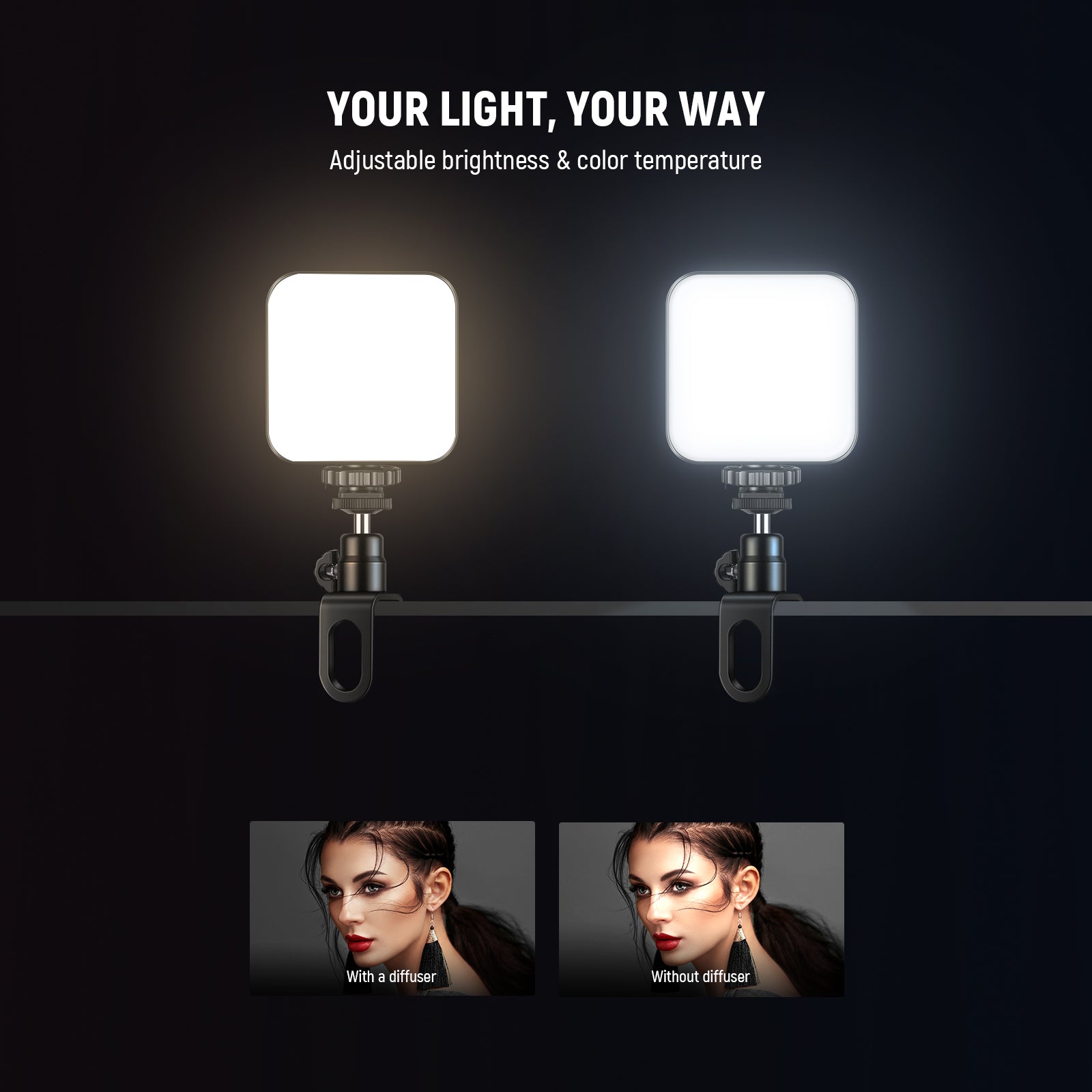
Harsh light creates shiny skin and deep shadows, which look distracting on camera. A soft panel light or a small ring light with diffusion works best. Picture yourself on a long Zoom call—your face should look evenly lit without bright hotspots on your forehead or nose.
2. Choose Soft Light That Matches Desk-Sized Setups
For video conferencing, soft light makes the biggest visual difference. Small LED panels or diffused ring lights spread light evenly across your face and reduce harsh shadows under the eyes. For most home offices, a light sized between 6 and 12 inches works best. Smaller lights struggle to cover your face evenly, while larger lights quickly dominate your desk and feel uncomfortable during long calls. This size range fits naturally beside monitors without blocking screens or workspace.
3. Prioritize High Color Accuracy for Natural Skin Tones
Color accuracy improves how your skin looks on camera. Choose lights rated CRI 90 or higher so your face appears healthy and realistic instead of dull or overly red. This is especially noticeable on HD webcams during long meetings, where inaccurate lighting can make you look tired even when you’re not.
4. Use an Adjustable Color Temperature Range
A good conference light should adapt to different times of day. Look for adjustable color temperatures from 3000K to 6500K. Around 4000K–5000K matches natural daylight and works well for daytime meetings. Warmer settings near 3000K–3500K feel easier on the eyes during early mornings or evening calls. Cooler tones help balance rooms with yellow overhead lighting. This flexibility keeps your face looking natural in changing environments.
5. Choose Simple Power Options for Daily Use
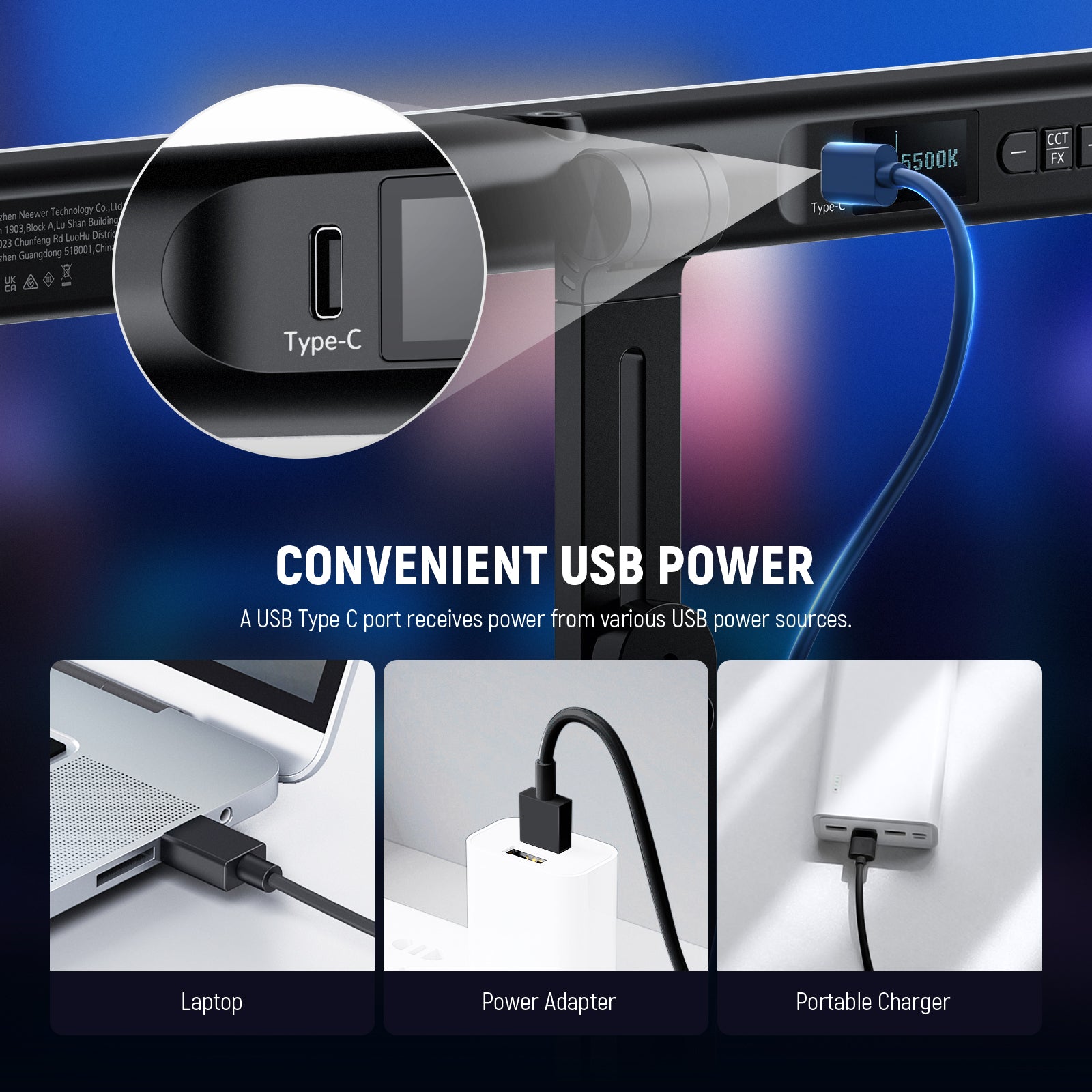
For video conferencing, convenience matters. USB or USB-C powered lights plug directly into laptops or hubs and keep cable clutter minimal. This setup works well for home offices and hybrid workspaces. Battery support is a bonus when outlets are limited, but USB power keeps things easy for daily calls.
6. Avoid Flicker to Keep Video Looking Smooth
A proper video conference light should be flicker-free at 30–60 fps. Flickering causes visible banding or pulsing on camera, especially when you move. Flicker-free lighting ensures smooth video quality and reduces eye strain during long meetings.